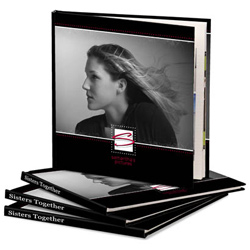
MyMemories Photobook Studio
Create Personalized, Beautiful Photo Books with this Easy Software
Create and print professional photobooks quickly and easily using MyMemories Photobook Studio. Start with a professionally-designed template and customize it or create a photo book from scratch. Exercise complete creative control - change, move, add, or remove any element on a page. Create pages quickly by dragging photos, clip art, graphics, and shapes directly onto the page.
Upload your photobook directly from the software to have it printed as a hard-bound or soft-bound book on professional-quality paper.
Preserve Your Memories
- Make your precious photos into lasting heirlooms - professional photo books.
- Drag and drop items directly onto the page - clip art, shapes, photos, and more.
- Perfect for baby books, family memories, vacations, weddings, birthdays, sports teams, reunions, and all sorts of special occasions.
- Exceptionally easy to learn with loads of useful features - create beautiful photo books with fantastic creative control.
- Get a quick start with over 20 professionally-designed and completely customizable templates, or build your book from scratch.
Discontinued - See MyMemories Suite
(All Photobook Studio functionality has been incoprorated into MyMemories Suite.)